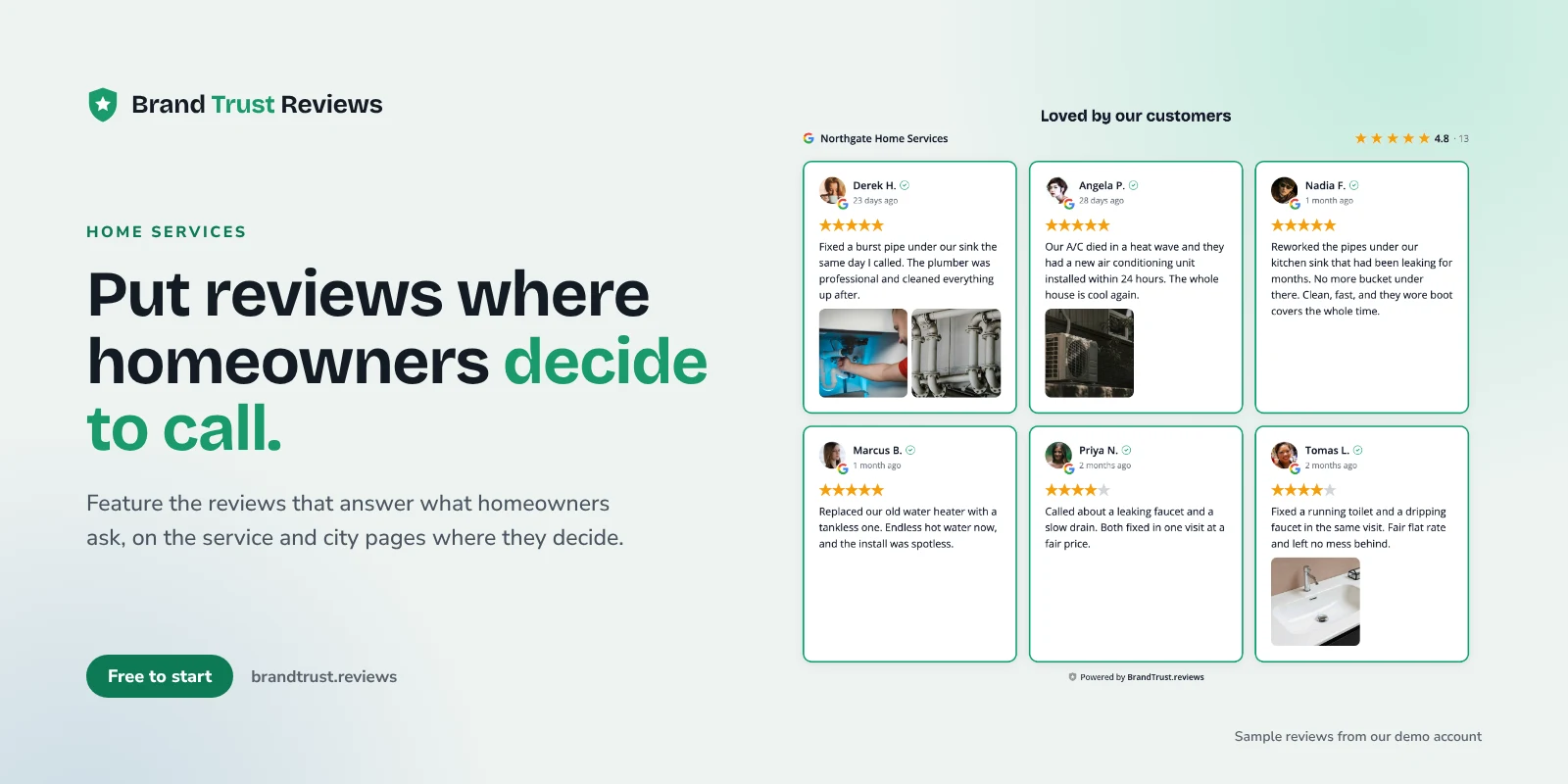
Home service business reviews do a specific job on your website: they help a stranger decide whether to let you into their house. Plumbers, HVAC techs, electricians, roofers, cleaners, landscapers, garage door and handyman crews all face the same question from every new customer, which is "can I trust this person with my home and my money?" Your Google reviews already answer it. The trick is putting the right ones in front of people at the right moment on your site.
This guide covers which reviews to feature, where to place them, and how to keep them matched to the right pages, for owners and the agencies that build their sites.
Why reviews matter when someone needs a tradesperson
Think about how people hire a trade. A water heater fails on a Sunday. The A/C quits in July. A garage door won't close and the car is stuck inside. The person searching is often stressed, short on time, and comparing two or three companies on their phone.
That intent shapes what they need from your website:
- Reassurance that you'll show up. Missed appointments and vague arrival windows are a common worry with trades.
- Proof you've done this exact job. Someone with a backed up drain wants to see that you've cleared drains, not that you're "great to work with."
- Signs you're fair on price. People worry about surprise charges more than the price itself.
- Confidence you'll respect their home. Shoe covers, cleanup and courtesy come up in reviews for a reason.
Your homepage copy can claim all of this. Reviews from neighbors make it believable, and the visitor is close to picking up the phone.
Which reviews to feature
"Great service!" is nice, but it doesn't tell a new customer much. Look for reviews that mention:
- Punctuality. "Arrived within the window and called ahead" speaks directly to the biggest fear.
- Cleanliness. "Left the attic cleaner than they found it" matters to anyone letting a crew inside.
- Clear pricing. "Quoted upfront, no surprises on the bill" addresses price anxiety without you quoting prices.
- Communication. "Explained what was wrong and showed me the old part" builds trust in your diagnosis.
- The specific job. Reviews that name the work (a tankless water heater install, a panel upgrade, a roof leak, a spring replacement) do the heavy lifting on service pages.
You don't need to hide critical reviews to look good. A widget can feature your most helpful reviews while the headline rating and total count still reflect every review you have. With BrandTrust, the rating math always covers all reviews, not just the ones you featured, so what visitors see stays honest.
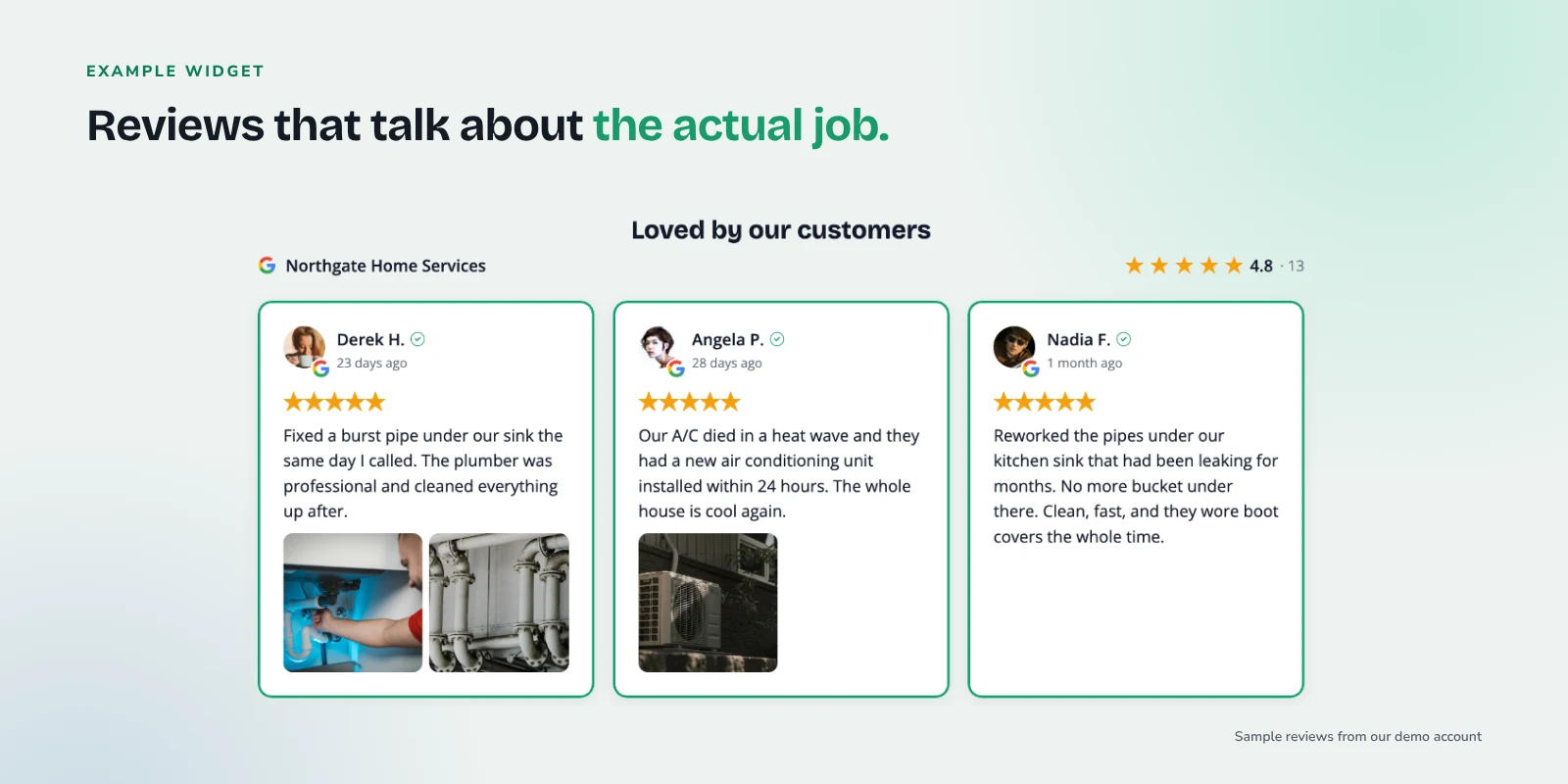
Example: Google reviews for a demo plumbing and HVAC company, shown in a BrandTrust.reviews grid.
Where to put reviews on a home service website
A single "Reviews" page in the menu is fine to have, but it's rarely where decisions happen. Spread reviews across the pages where people are actually deciding.
Homepage
Show a grid or list of your strongest general reviews below the hero, plus your overall rating and review count. This is where you lead with punctuality, cleanliness and communication, since those apply to every job.
Each service page
This is where matching pays off. Your drain cleaning page should show reviews that mention drains and clogs. Your water heater page should show water heater reviews. Your A/C repair page should show reviews about cooling calls. Same idea for roof repair, panel upgrades, deep cleaning or garage door openers.
Each service-area or city page
If you have pages for the towns you serve, show reviews from customers who mention those towns or neighborhoods. A homeowner in Chandler wants to see that you actually work in Chandler and show up on time there.
The booking or quote form
Put two or three short reviews right beside your quote request or booking form. This is the last moment of hesitation before someone hands over their phone number. Reviews about clear pricing and quick response fit well here.
A badge in the header or hero
A small badge with your star rating and review count gives instant credibility on every page. With the badge layout, clicking it opens a popup of reviews, so visitors can dig in without leaving the page they're on.
For a deeper walkthrough of mapping pages to review themes, see how to show the right reviews on the right pages.
Matching reviews to services with tags
Hand-picking reviews for twenty service and city pages gets old fast. Tags solve this.
- Feature and filter (every plan). On any plan, including free, you can filter reviews (for example, by rating) and choose which reviews to feature and in what order.
- Manual tags (Essentials). On paid plans starting with Essentials, you can tag reviews yourself, such as "water heater" or "Gilbert," and point each widget at a tag.
- Smart Tags (Growth). On the Growth plan, Smart Tags auto-tag reviews by keyword. Set "tankless," "water heater" and "hot water" for your water heater tag, and any new review that mentions those words flows to the water heater page automatically. The same works for city and neighborhood names on service-area pages.
A practical setup for a plumbing and HVAC company might look like this:
| Page | Tag | Example keywords | | --- | --- | --- | | Drain cleaning | Drains | drain, clog, backed up, sewer, snake | | Water heaters | Water heater | water heater, tankless, hot water, anode | | A/C repair | Cooling | A/C, AC, air conditioner, cooling, compressor | | Mesa service area | Mesa | Mesa, Eastmark, Red Mountain |
Keep a general widget on the homepage so every review still has a home, even if it doesn't match a tag. See current plans for what's included at each level.
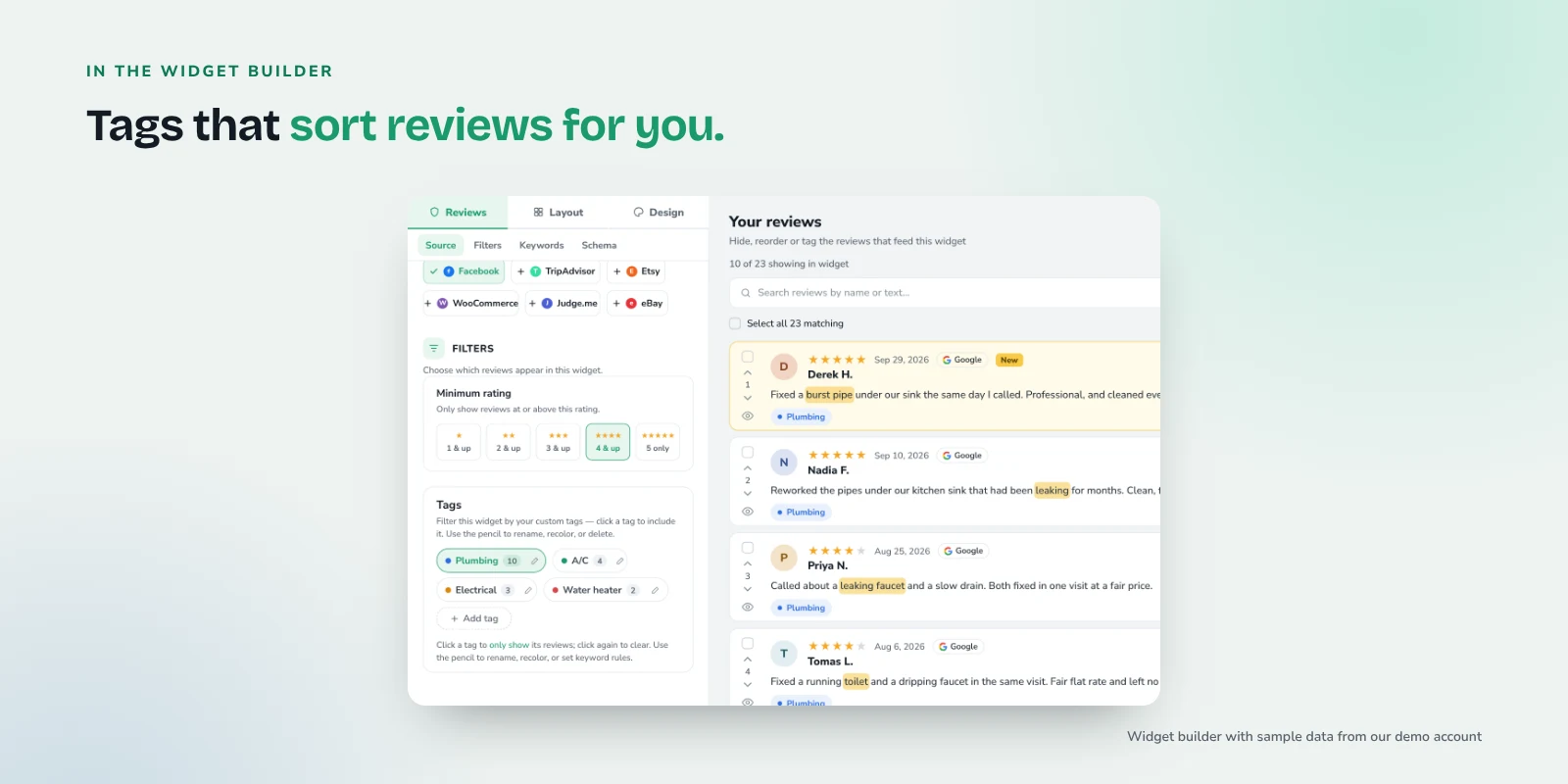
Example: the widget builder with demo reviews tagged by service keyword.
Combining Google reviews and Facebook recommendations
Most home service businesses get the bulk of their reviews on Google, but plenty also have a following on Facebook, especially in smaller towns. On paid plans, you can combine sources in one widget, and each review is labeled with its source so visitors know where it came from.
One thing to expect: Facebook uses recommendations rather than star ratings, so Facebook recommendations show as "Recommends" instead of a star count. That's normal and reads fine next to Google reviews.
Start with the Google reviews widget, then add the Facebook recommendations widget source if you have a meaningful number of Facebook recommendations. If you're just getting your first widget live, how to add Google reviews to your website walks through it.
Reviewer photos of finished jobs
Some customers attach photos to their reviews: a new water heater neatly strapped in, a clean panel, a fresh roof. Those photos are strong proof because the customer took them.
The widget can display review photos on every plan. Reviewer images are served through BrandTrust's servers, so your visitors' IP addresses aren't exposed to the source platforms. If you have a few reviews with good job photos, consider featuring them on the matching service page.
Multiple service areas or locations
If you run more than one shop or have separate Google Business Profiles for different regions, connect each Google listing separately. Then each location's pages show that location's reviews, with a rating and count accurate to that listing.
Agencies managing several home service clients can keep each client separate with projects and team workspaces on the Pro plan, each with its own styles, tags and analytics.
Keeping reviews current with automatic sync
A review widget that stopped updating last spring looks worse than no widget. BrandTrust keeps reviews synced automatically (daily on the free plan), so new reviews show up without anyone copying and pasting. Combined with Smart Tags, a review that mentions "furnace" on Monday can be on your furnace page by Tuesday.
Your job is to keep reviews coming in and keep responding to them. If you need help there, see how to ask customers for reviews (with templates) and how to respond to negative reviews. When you ask, ask everyone: Google's Maps user-generated content policy doesn't allow businesses to offer incentives for reviews or selectively ask for positive ones.
Quick checklist
- Badge with your rating and review count in the header or hero
- A general review grid or list on the homepage
- Matched reviews on every service page (drain cleaning, water heaters, A/C repair, and so on)
- Matched reviews on every service-area or city page
- Two or three short reviews beside the booking or quote form
- Featured reviews that mention punctuality, cleanliness, clear pricing, communication and the specific job
- Tags (manual or Smart Tags) set up per service and per city
- Each Google listing connected separately if you have multiple locations
- Facebook added on paid plans if you have recommendations there
- Automatic sync on, so nothing goes stale
Frequently asked questions
Will showing reviews on my site get me stars in Google search results?
No. Google's review snippet guidelines say a business's own reviews shown on its own site aren't eligible for review stars, and that includes reviews shown through a third-party widget. Reviews on your site are there to help visitors decide, not to change how your listing looks in search.
Do I need a separate widget for every service page?
Usually you'll want one widget per page, each filtered to that page's tag. Paid plans include more widgets and let you duplicate a widget, so you can copy one design and change its filter for each page. On the free plan you get one widget, which works well on the homepage or a key service page.
Can I show reviews for plumbers, HVAC and electricians on one site if I offer all three?
Yes. Tag reviews by trade (for example, "plumbing," "HVAC" and "electrical") and place each tagged widget on the matching pages. Smart Tags on the Growth plan can sort new reviews into those groups by keyword automatically.
Should I hide my negative reviews?
You can choose which reviews to feature, but the headline rating and total count in BrandTrust always reflect all of your reviews. A thoughtful public reply to a critical review often builds more trust than a page of nothing but five-star reviews.
Try it with your own reviews
If you want to see your own Google reviews on your site, you can start on the free plan at BrandTrust.reviews. There's no credit card and no trial timer, so you can try a widget on your homepage or busiest service page first.